Go to the link – https://netbeans.org/downloads/
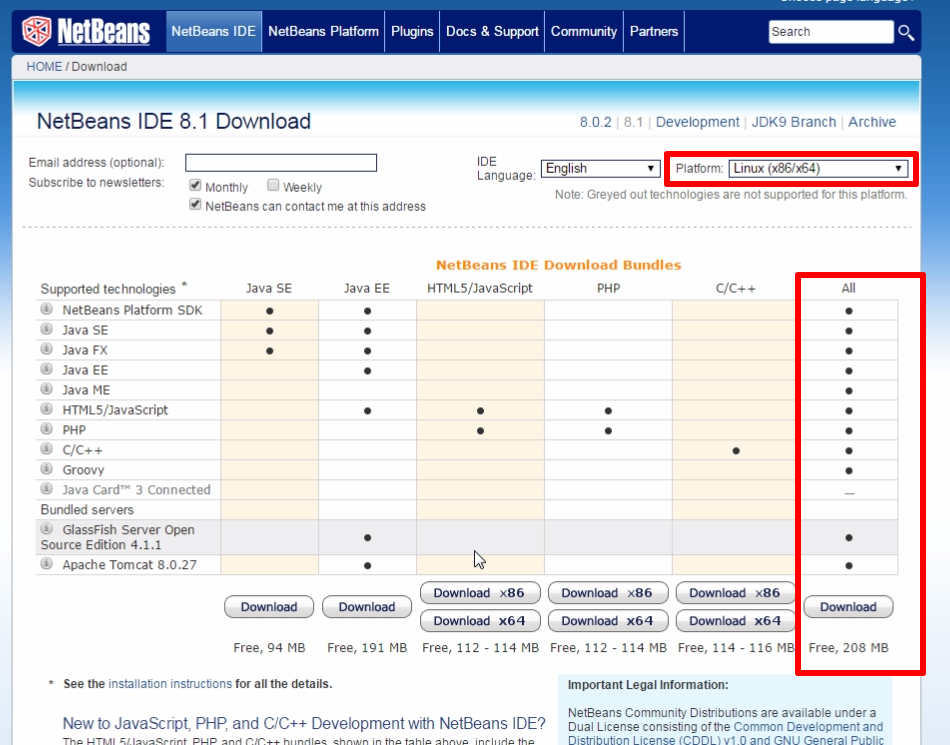
Select Platform as Linux(x86/x64).
Download the installer for NetBeans.
From the terminal, navigate to the directory that contains the installer (netbeans-8.1-linux.sh)
Run the following command to change the permissions –
$ chmod +x netbeans-8.1-linux.sh
Start the installer using the command –
$ ./netbeans-8.1-linux.sh
Follow the steps and NetBeans would be installed.

Sreekumar (KJ) has been a hobby programmer from school days. Codemarvels is his personal blog from the year 2010, where he writes about technology, philosophy, society and a bit about physics.
He now runs a conversational AI company – DheeYantra – focusing his efforts to help businesses improve operational efficiency using digital employees powered by AI.